
Field Guide
The step-by-step system I've built and refined on my own site over the past few years. Last season it more than doubled my clicks from Google and put my pages on page 1 for more than two hundred different searches. Seven phases, forty-one steps, every tool built in. Written in plain English by a working photographer.
The only SEO guide built for all three:
Squarespace, Showit, and Pixieset.
The advice you've been given
Post more reels. Blog three times a week. Pay us $800 a month and we'll handle it.
Most SEO education is written for WordPress, by marketers, for other marketers. Meanwhile you're on Squarespace, Showit, or Pixieset, mid wedding season, wondering why your work isn't the work couples find when they search. Or you paid for a beautiful site, or bought a template, and the SEO part turned out to mean page titles. That's where SEO starts, not where it ends.
Here's the part nobody says out loud: SEO for a photography site is not that complicated. It's a set of decisions, made once, done right, and a small monthly habit. The problem was never your ability. It's that nobody translated this for photographers on the platforms photographers actually use, one step at a time, in order.
Built by a photographer, for photographers.
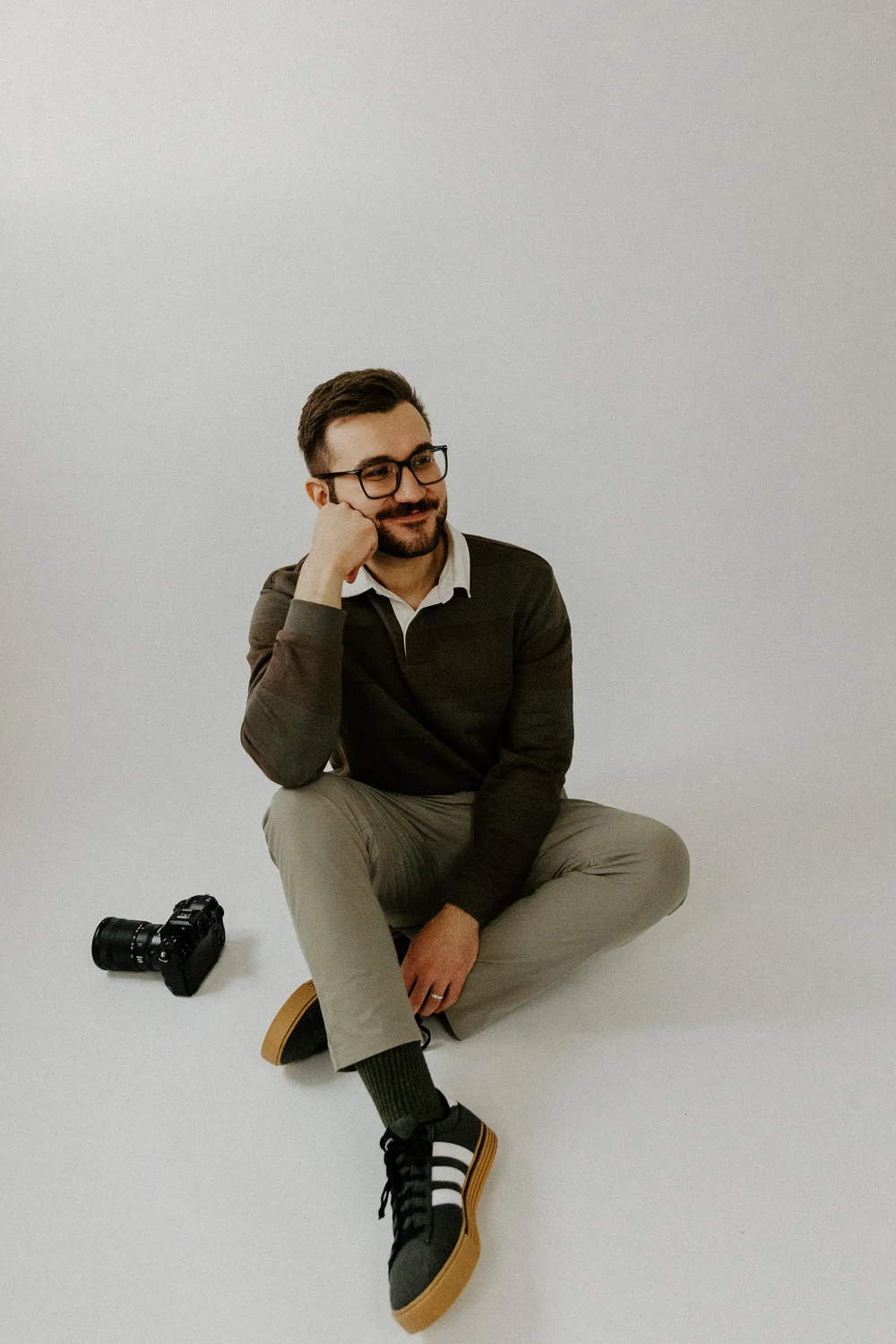
I'm Stan. I photograph elopements in Glacier National Park and weddings across Montana's Flathead Valley, on a website I built and have run myself since 2022, around a full wedding calendar. I've spent years learning what actually moves a photography site in Google, one change and one Search Console report at a time. This guide is that work, written as a path you can follow.
That's one season of a system I'd been building for years: clicks more than doubled, my venue and permit guides landed on page 1, and in the last three months alone my site showed on page 1 for 210 different searches, 56 of them in the top three. Not overnight, not with a hack. With a system, and every piece of it is in this guide, in the order I'd do it again. If it worked in a market where every competitor targets the same national park, it will work for yours, in any state.
Seven phases. Forty-one steps. One path.
Every step has the same shape: why it matters, exactly what to click on your platform, and a "done when" line so you know you've finished. Pick your platform once and the guide shows only your menus. Mark steps done and it remembers where you left off.
1 · Foundations
Let Google in, set up Search Console and Bing, fix the two settings that shape every page title, run the Site Health Check for your starting score.
2 · Keywords
How couples actually search, five free sources, the Keyword Scorer, and a worksheet that gives each phrase a home page so your pages stop fighting each other.
3 · Pages
The nine-section service page, homepage, about, pricing, and contact. Titles with a live Google preview, redirects done safely, image SEO, internal links, and a Schema Generator.
4 · Getting chosen
Google Business Profile for photographers who travel, review requests that work, matching details everywhere, and three outreach templates that earn links.
5 · Content
The four post types that book couples, a Blog Idea Generator tuned to your region, the post template, a pre-publish check, and a yearly rhythm.
6 · Measure
The four numbers that matter, the twenty-minute monthly read, a Position Decoder that reads your Search Console back to you, and honest timelines.
7 · AI search
Five prompts to audit your own site with AI, how to be readable to ChatGPT and friends, and where to see those visitors in your Analytics.
Seven tools, built in
Site Health Check, Keyword Scorer and worksheet, Title Builder with live preview, Schema Generator, Blog Idea Generator, Position Decoder, and progress-saving checklists. Nothing to download.
The only SEO guide built for all three: Squarespace, Showit, and Pixieset
Pixieset photographers finally have SEO instructions written for their editor, and whichever platform you're on, you pick it once and the guide shows only your menus. Every click-by-click instruction was checked inside a real Squarespace, Showit, and Pixieset editor in October 2026, not copied from someone else's blog post. Where a platform does something unusual (Showit text boxes that start with no heading tag, Pixieset using your business name as your whole homepage title, Squarespace's two different title codes), the guide says so, because those are the exact places photographers lose rankings without knowing it.
Honest fitWho it's for
Wedding and elopement photographers on Squarespace, Showit, or Pixieset, anywhere in the US. Solo business owners who'd rather spend a few focused hours learning this than $800 a month outsourcing it.
Not for you if you want WordPress plugin tutorials, you expect page 1 in two weeks, or you truly want it done for you. Although after reading this, you'll finally be able to tell whether the person you're paying is doing anything at all.
Everything included
Keyword worksheet
Score a whole brainstorm, assign home pages, keep the list for your monthly read.
Blog post template
My ranking post structure, with the pre-publish checklist beside it.
Three schema templates
Business, blog post, and FAQ code written for photographers.
Checklists
Monthly, quarterly, and yearly. They remember what you've done.
Review & outreach templates
Six messages that get reviews and links without sounding canned.
Troubleshooting & glossary
Eight common problems with fixes, and thirty-four terms in plain English.
Common questions
I hired a designer or bought a template. Isn't my SEO already done?
The foundation probably is: titles, a clean structure, fast pages. That's Phase 1 and part of Phase 3. The parts that bring couples in over time, keywords with a home page each, Business Profile and reviews, content with a job, and reading Search Console, are yours to do, and that's what this guide walks you through.
I'm on Showit or Pixieset. Will this still work?
Yes. Pick your platform at the top of the guide and every instruction switches to your menus. All three platforms were checked hands-on in October 2026. Showit blog steps include the WordPress side of Showit blogs.
How fast will I see results?
First movement typically shows in 6 to 10 weeks. Meaningful results take 3 to 6 months. My own numbers are in the guide, month by month. Anyone promising faster is selling something.
Is this beginner friendly?
Yes. Plain English, every term translated, nothing assumed. If you can edit your own website, you can do everything in this guide. Each step tells you what "done" looks like before you move on.
What do I need to use it?
A laptop or desktop with a steady internet connection, your website login, and a free Google account. The guide works on a phone for reading, but the tools and the settings you'll change are far easier on a big screen.
Will it fix everything on my site?
It will fix what you apply, correctly. SEO is ongoing work: the guide gives you the system and the monthly habit, and you do the steps. It can't see your website, so if your site has an unusual problem the steps don't cover, the troubleshooting section is where to look first.
Do I have to blog constantly?
No, and please don't. The content phase is about writing fewer posts with clearer jobs. Some of my best-performing pages are ones I wrote once and improved twice.
What about AI search, like ChatGPT?
Covered. Phase 7 walks through making your site readable to AI assistants, and shows you where those visitors appear in your own Analytics. Couples are already asking AI for photographer recommendations; being early matters.
Will this go out of date?
The strategy will outlive us both: search intent, page anatomy, reviews, and measurement don't expire. The click-by-click menu paths are current as of October 2026, and the guide teaches every setting by name, so if a platform rearranges its menus, you'll still find everything in seconds.
Is it a subscription?
No. One payment and access that never expires, inside your account on this site. No course ladder, no upsell.
Can I get a refund?
No. This is a digital product you can access in full the moment you buy, so all sales are final. Everything on this page is exactly what's inside.
One payment. Yours for good.
One time. Digital product, all sales are final.
- 41 steps across 7 phases
- 7 built-in tools
- Squarespace, Showit & Pixieset
- Every template and checklist
- Lifetime access and a copy to keep
The step-by-step SEO system for elopement and wedding photographers on Squarespace, Showit, and Pixieset. Seven phases, forty-one steps, and seven working tools built into the page, from a photographer who more than doubled his own clicks from Google in one season. One-time purchase, instant access, yours for good. Digital product, all sales are final.